How New Record Works
First select the type of record you wish to create. Available types can be found in the Item Type list.
Once selected, a data entry form will appear. The structure and rules of this form depend on your Transearch security profile and system configuration.
Highlighted fields are mandatory and must be completed.
Disabled fields are system generated or locked for editing.
First select the type of record you wish to create. Available types can be found in the Item Type list.
Once selected, a data entry form will appear. The structure and rules of this form depend on your Transearch security profile and system configuration.
Highlighted fields are mandatory and must be completed.
Disabled fields are system generated or locked for editing.
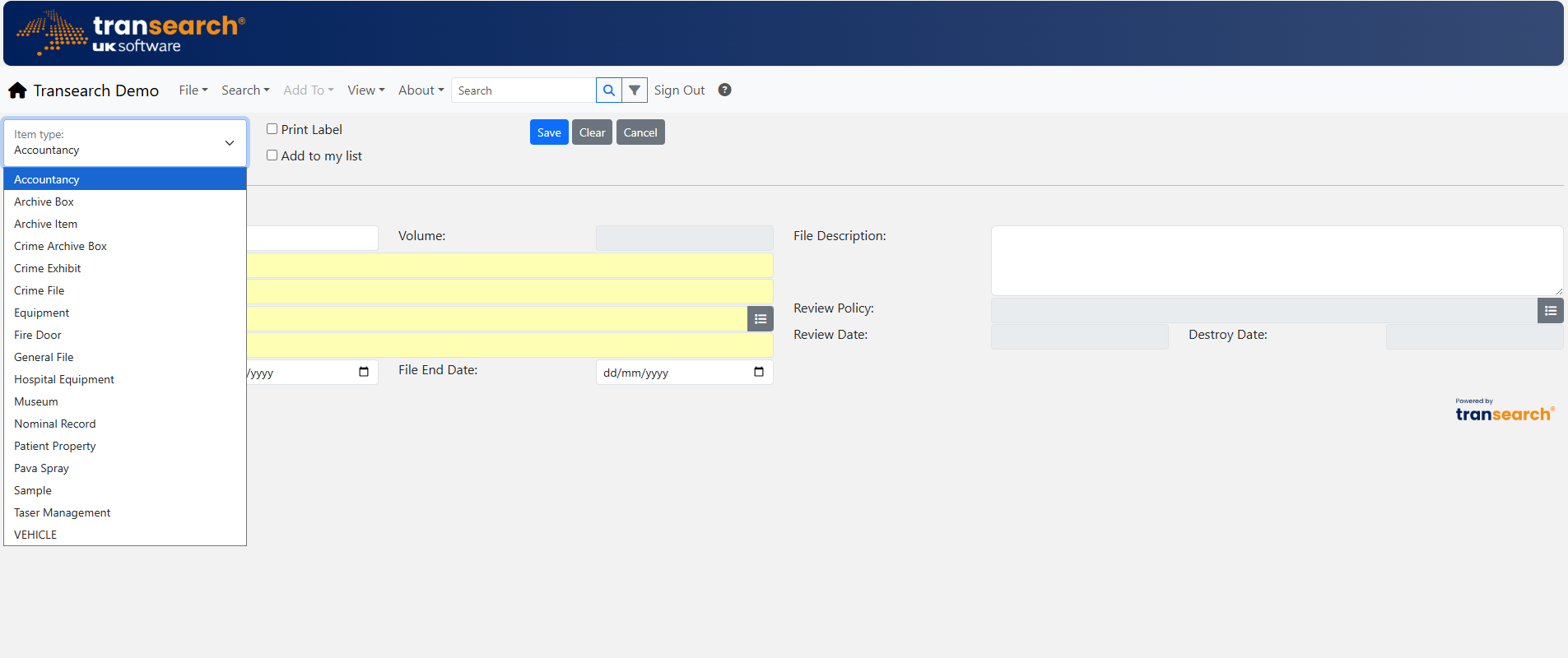
Start by selecting the Item Type from the dropdown list.
Select Item Type
Choose the record type you want to create.
Choose the record type you want to create.
Complete the Form
Enter all required information carefully.
Enter all required information carefully.
Lookup Fields
Click icons to select people, locations or values.
Click icons to select people, locations or values.
Save Record
Click Save when finished or Cancel to exit.
Click Save when finished or Cancel to exit.