What this does:
Register Containers allows you to scan, type, or upload multiple container barcodes at once. It is mainly used for bulk imports from external providers or archivists.
Register Containers allows you to scan, type, or upload multiple container barcodes at once. It is mainly used for bulk imports from external providers or archivists.
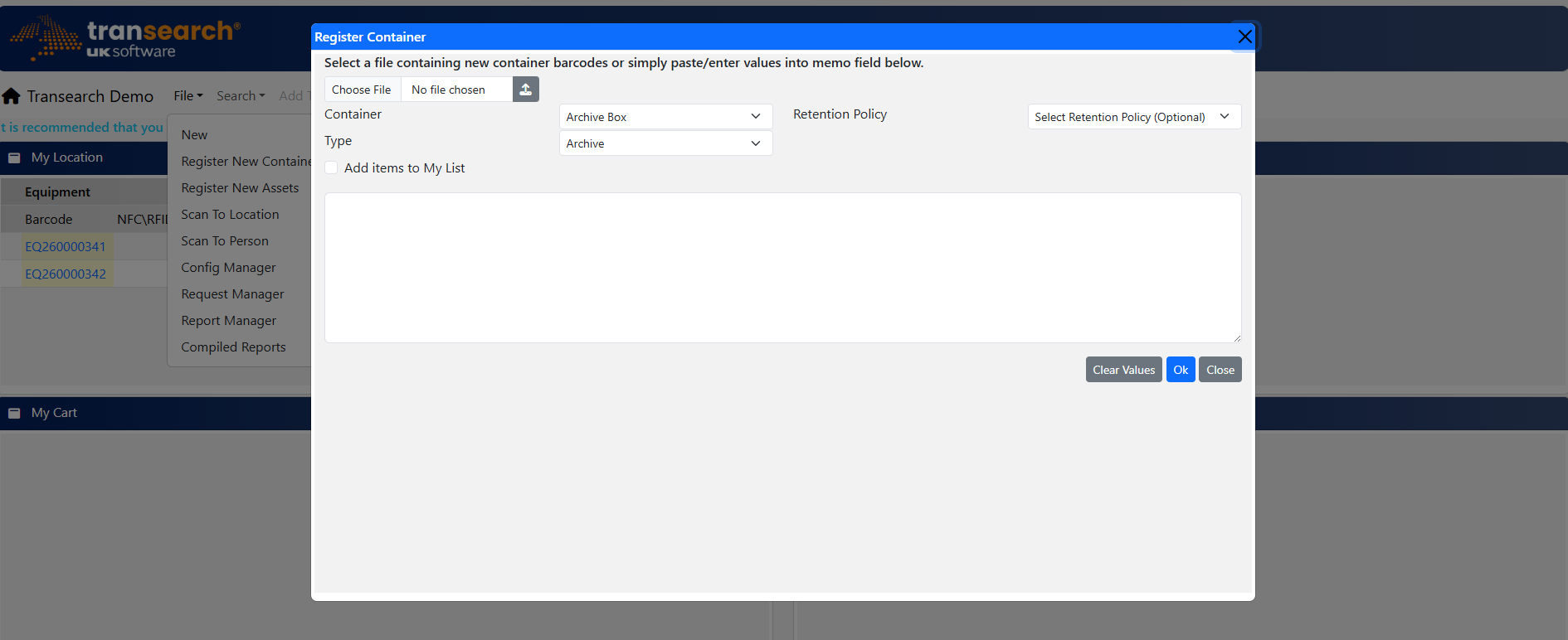
This screen is used to bulk import container barcodes into the system.
1. Open Screen
Navigate to Register Containers
2. Select Category
Choose container type / category
3. Add Barcodes
Scan, type, or upload list
4. My List (Optional)
Track imported items
5. Complete
Submit and finish import