What this does:
Scan to Location lets you move items to a person, a location, or a container. You can use barcode scanners, RFID, or manual selection depending on your setup.
Scan to Location lets you move items to a person, a location, or a container. You can use barcode scanners, RFID, or manual selection depending on your setup.
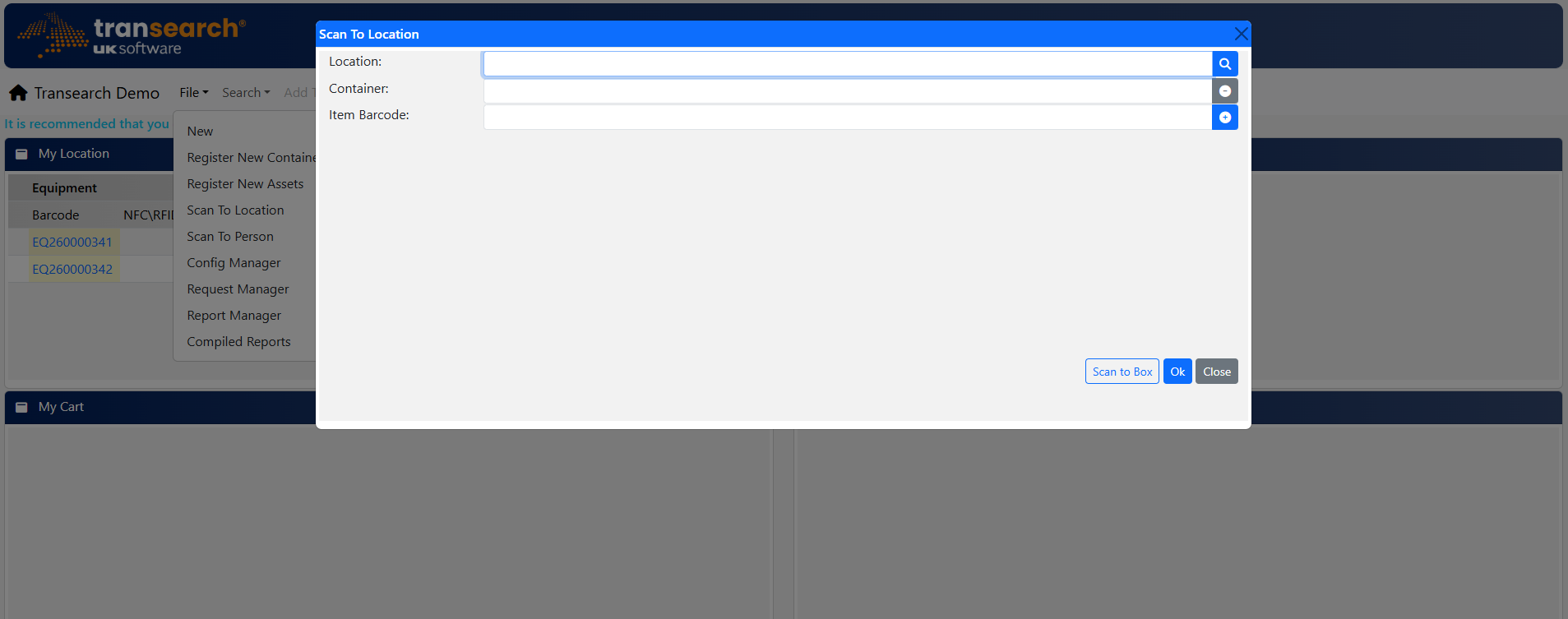
Scan items to a location, person, or container.
Scanning to a Location or Person
1. Scan or Enter Barcode
Use scanner or keyboard wedge device to select destination location
2. Confirm Selection
Verify name of location appears on screen
3. Manual Selection (Optional)
Use search icon 🔍︎ if no barcode available
4. Scan Items
Items that you would like to move to this location
5. Manage List
Remove or clear scanned items
6. Reason (If Required)
Select reason for audit trail
7. Complete
Confirm and save changes
Scanning Items into a Container (Box Mode)
1. Open Container Mode
Select Scan to Box
2. Scan Box Barcode
Identify destination container
3. Confirm Scan
Box scanned
4. Complete
Finish container assignment