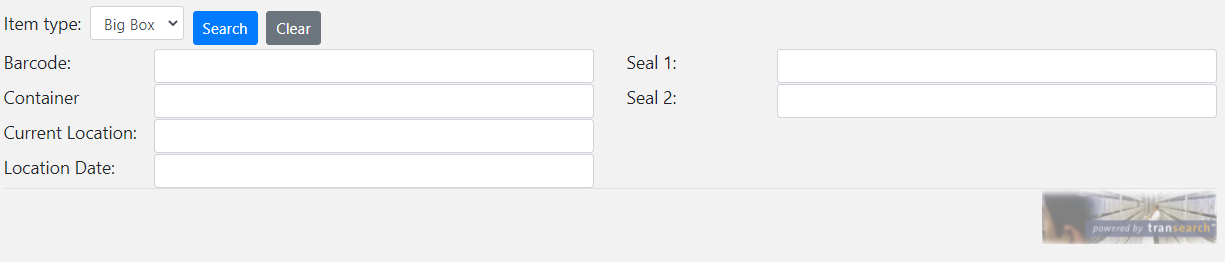
Index Card Search allows you to find records using fields configured for a selected Item Type. Available item types, search fields and search options are controlled by your Transearch security profile and system configuration.
Item Types
The Item Type list contains all record types available to your Transearch profile. Select a record type before entering search criteria.
Search Criteria
Enter values into one or more search fields. The fields displayed depend on the selected Item Type and your system configuration.
Run Search
Click Search to find matching records. If your profile requires it, you may be asked to enter a reason before the search is performed.
Results
Matching records are displayed in the Results screen where they can be reviewed and accessed.
Existing Values
Double-click inside a search field to view values that have previously been entered for that field.
Date Formats
Supported date formats include:
dd/mm/yyyy, dd/mmm/yyyy and
mmm/dd/yyyy.
| Wildcard | Description |
|---|---|
| * or % | Represents zero, one or multiple characters. |
| ? or _ | Represents a single character. |
| Example | Result |
|---|---|
| a* | Finds values beginning with "a" |
| *a | Finds values ending with "a" |
| *or* | Finds values containing "or" |
| ?r* | Finds values with "r" in the second position |
| a?*?* | Finds values beginning with "a" and at least 3 characters long |
| a*o | Finds values beginning with "a" and ending with "o" |
Try wildcard searches against the sample data below.
Andrew, Anthony, Aaron, Robert, Jordan, George, Connor, Marco