Overview
This feature allows users (where enabled by security profile) to
search previously entered values.
How to Search
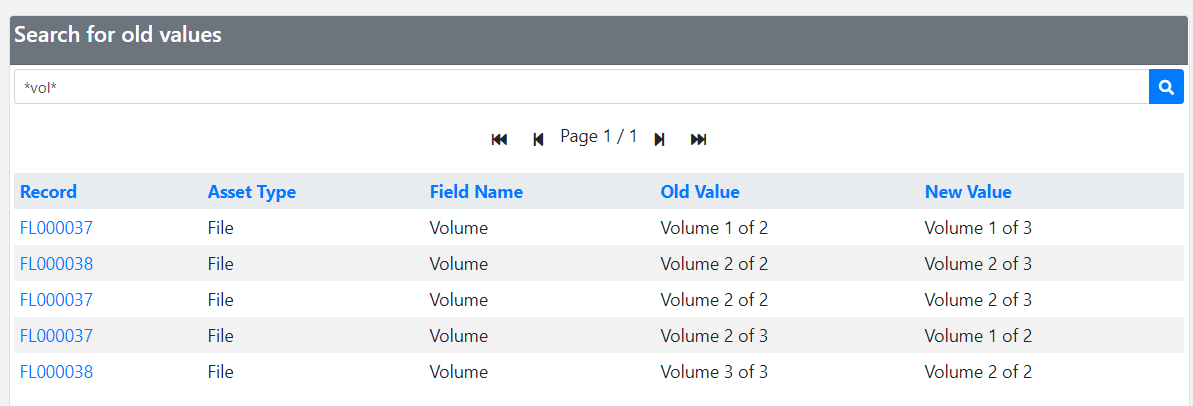
Enter a word or phrase and click the search button:
If results are found, they will be displayed in the results panel.
If results are found, they will be displayed in the results panel.

Search Permissions
Depending on your Transearch profile, you may be required to provide a
reason before searching.
Wildcards
Wildcards can be used to expand search results:
- * or % → multiple characters
- ? or _ → single character
Examples
- a* → values starting with “a”
- *a → values ending with “a”
- *or* → values containing “or”
- ?r* → “r” in second position
- a?*?* → starts with “a”, at least 3 characters
- a*o → starts with “a” and ends with “o”